

Description
MapQuest GPS Navigation Maps
Overview
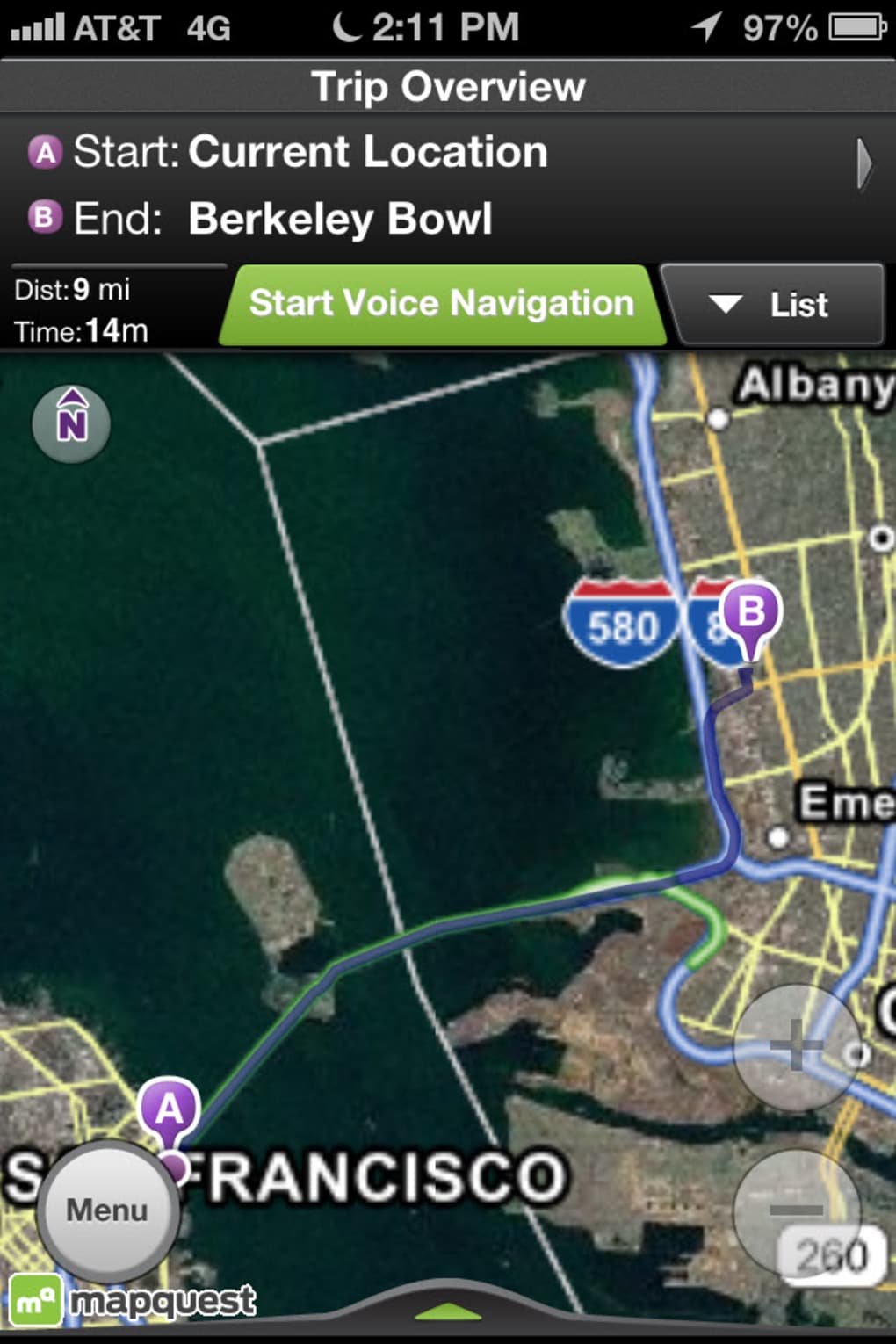
MapQuest GPS Navigation Maps is a dedicated navigation tool designed for iOS users seeking straightforward route guidance. The app specializes in providing driving and walking directions, leveraging real-time location data to deliver accurate turn-by-turn instructions. It serves as a reliable alternative for individuals who prefer a minimalistic interface without the complexity of broader mapping ecosystems. The software is particularly suited for travelers, daily commuters, and users who prioritize simplicity in navigation. While it lacks support for public transit routing, it excels in delivering clear, easy-to-follow directions with voice guidance. Points of interest such as gas stations, hotels, and theaters are integrated into the map interface, with additional details like phone numbers and web links available for quick access. The app is especially useful for those planning road trips or navigating unfamiliar areas on foot. Its focus on core navigation tasks makes it a dependable choice for users who primarily drive or walk and do not require transit options. The developer did not provide additional information about the company background or mission.
Key Features & Capabilities
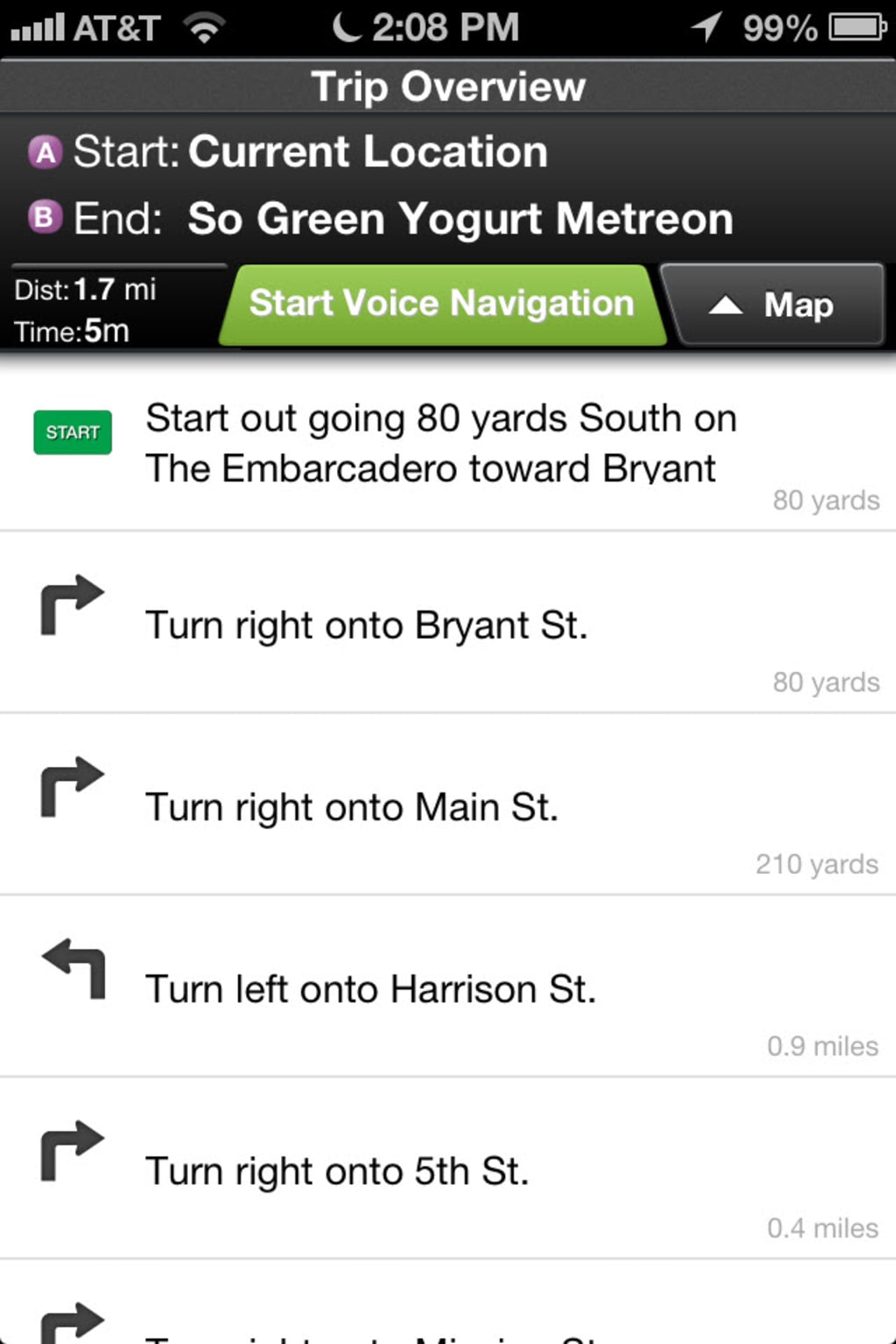
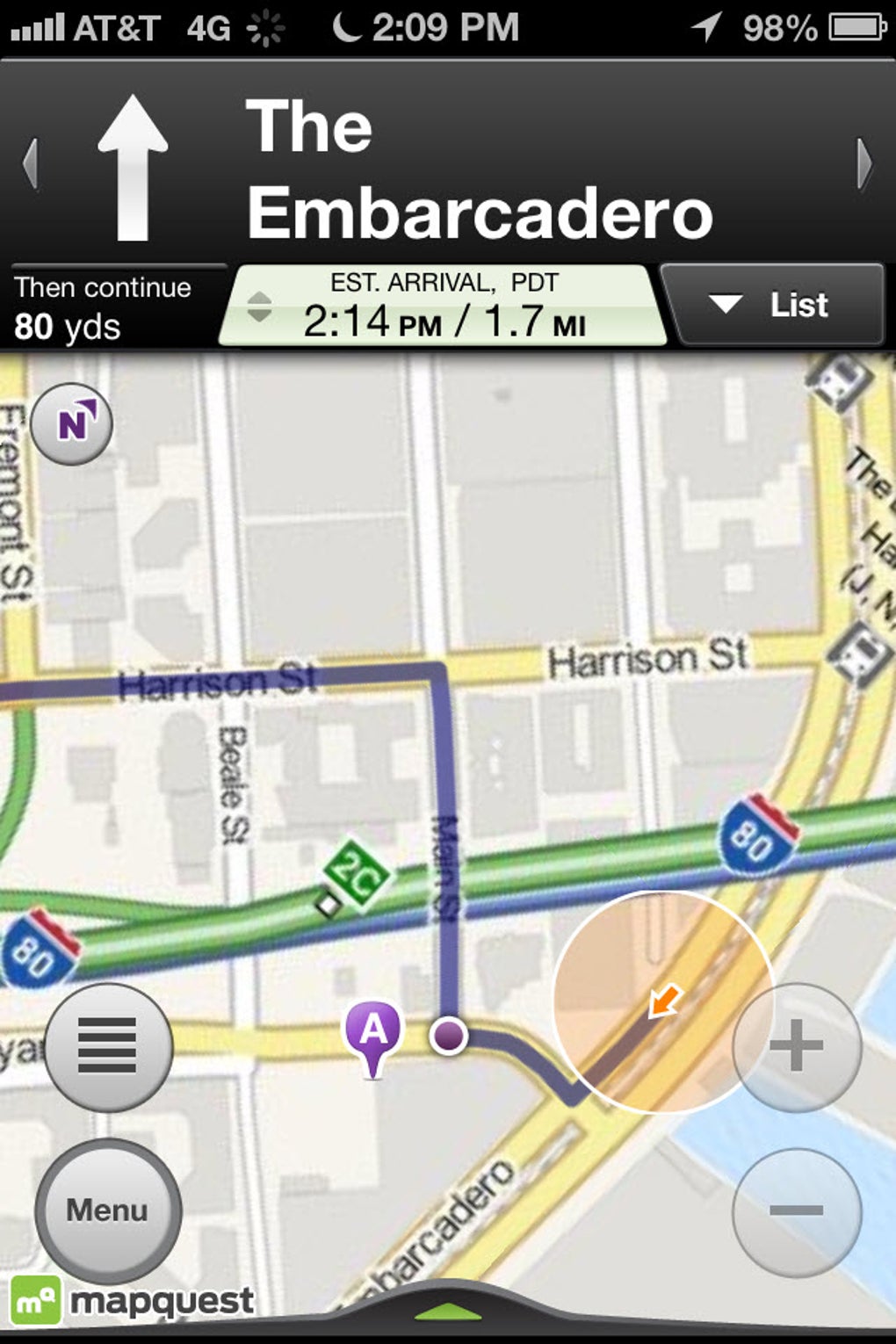
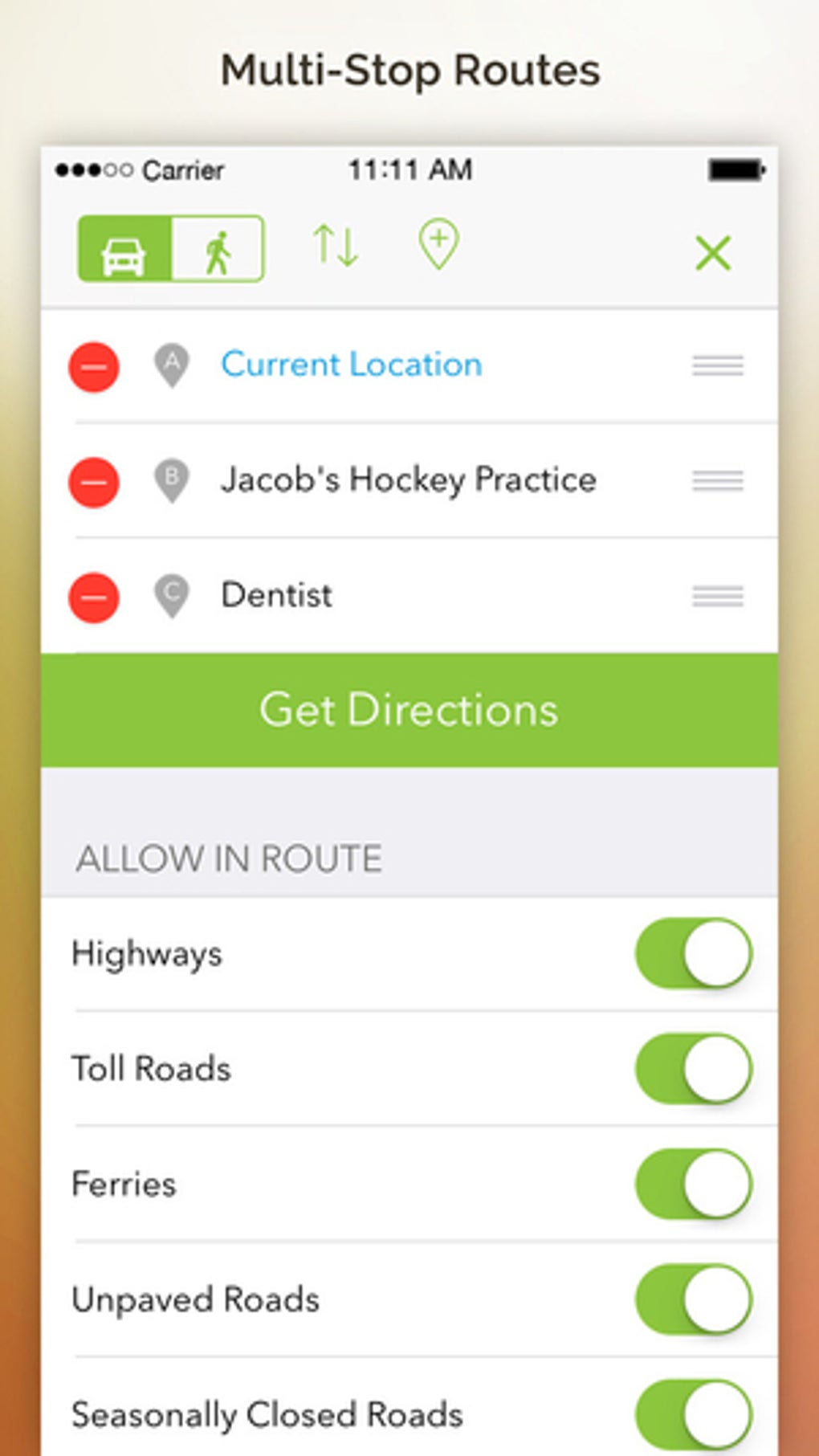
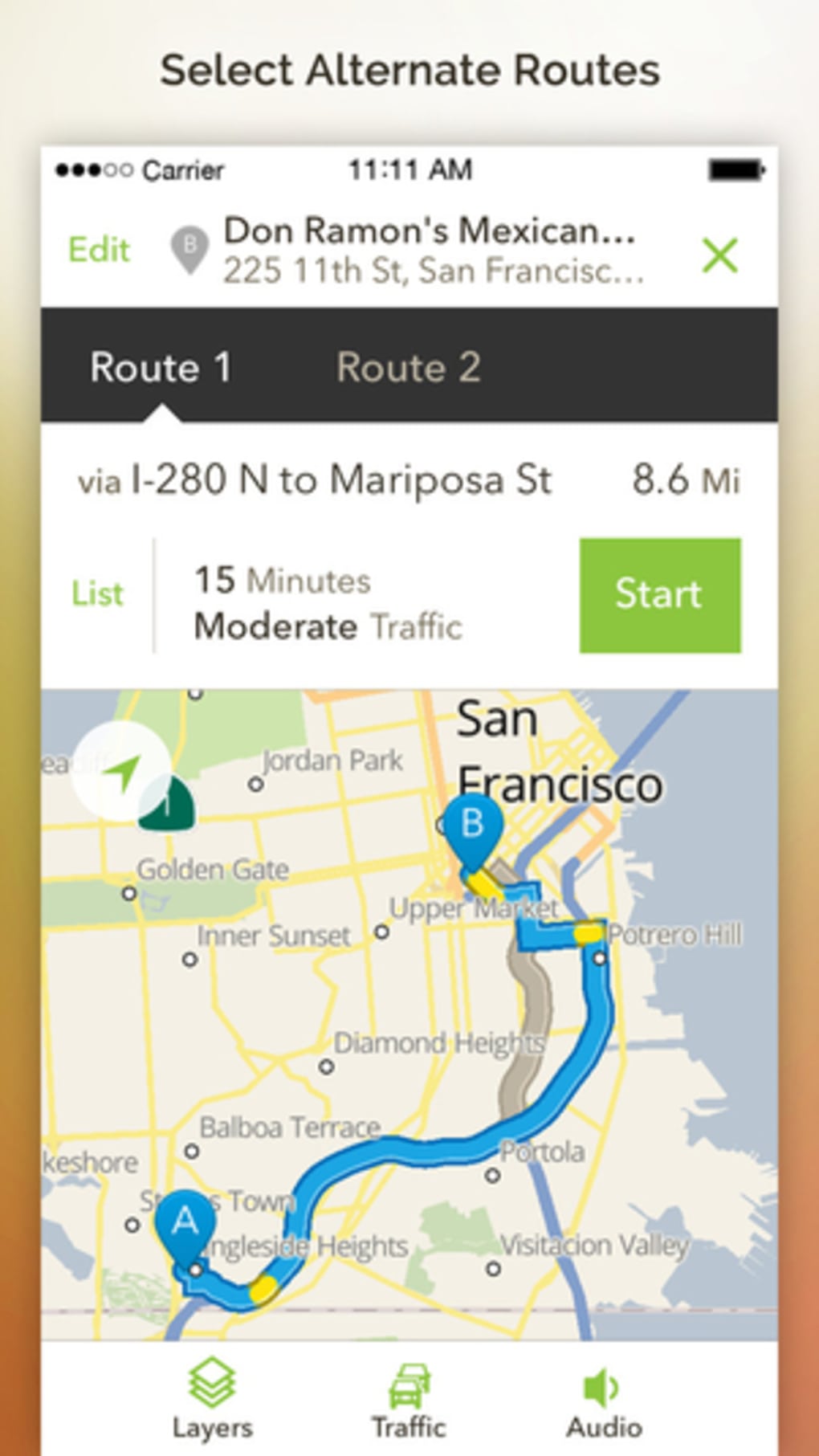
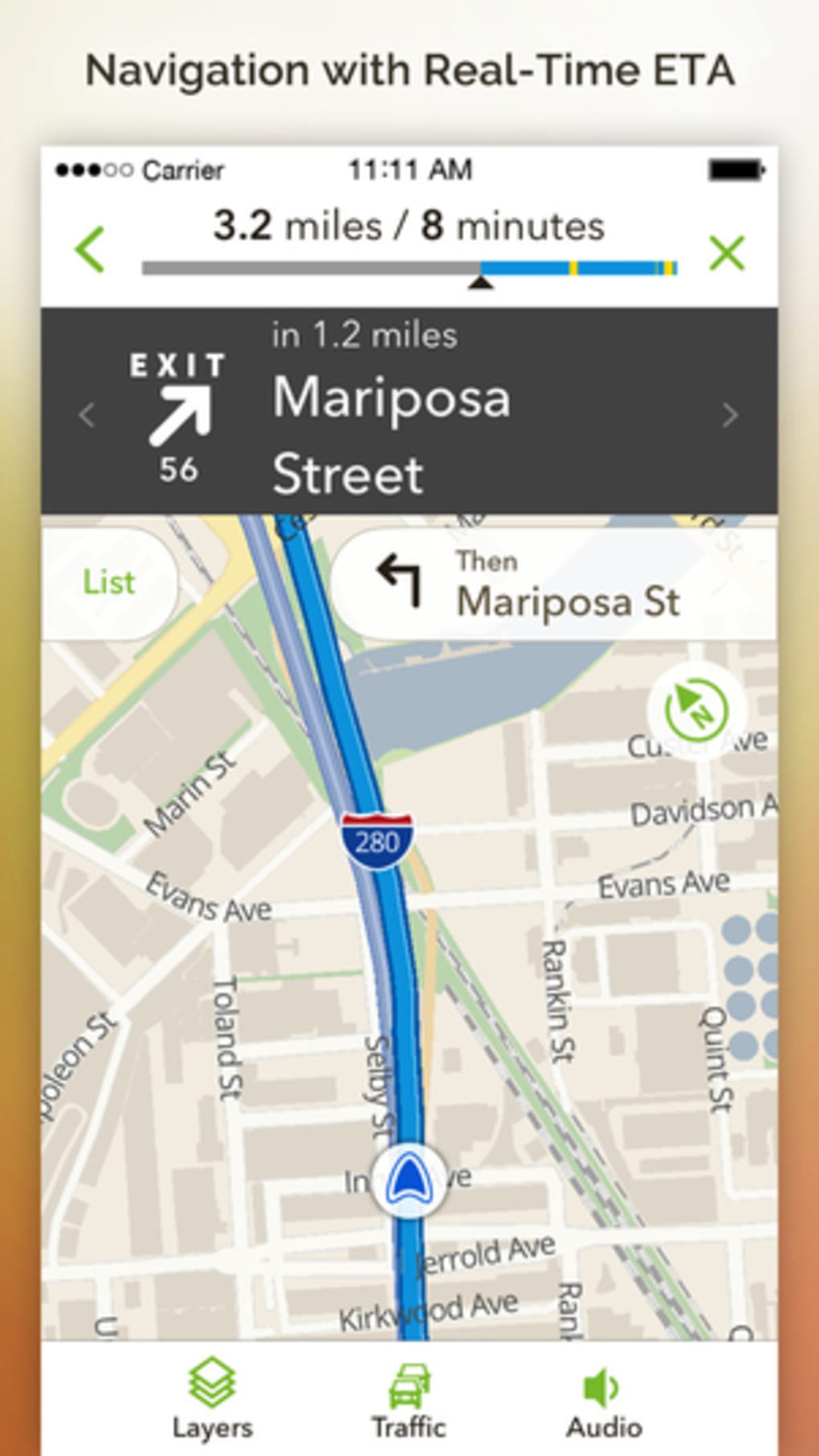
- Driving and Walking Directions – MapQuest provides turn-by-turn navigation for both driving and walking routes, with clear visual and voice-guided instructions to help users stay on track.
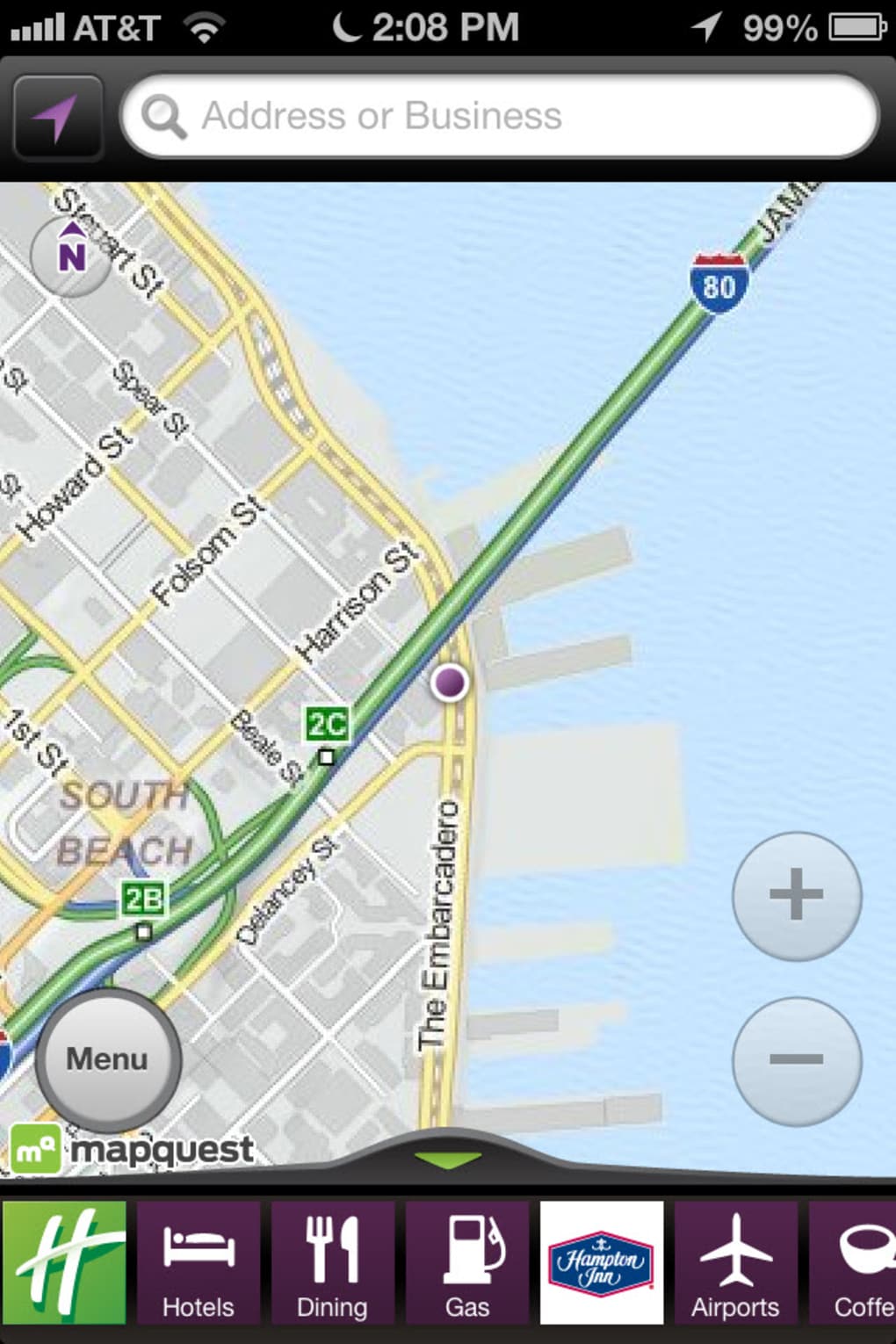
- Real-Time Location Tracking – The app automatically detects the user’s current location to generate relevant routes and nearby points of interest.
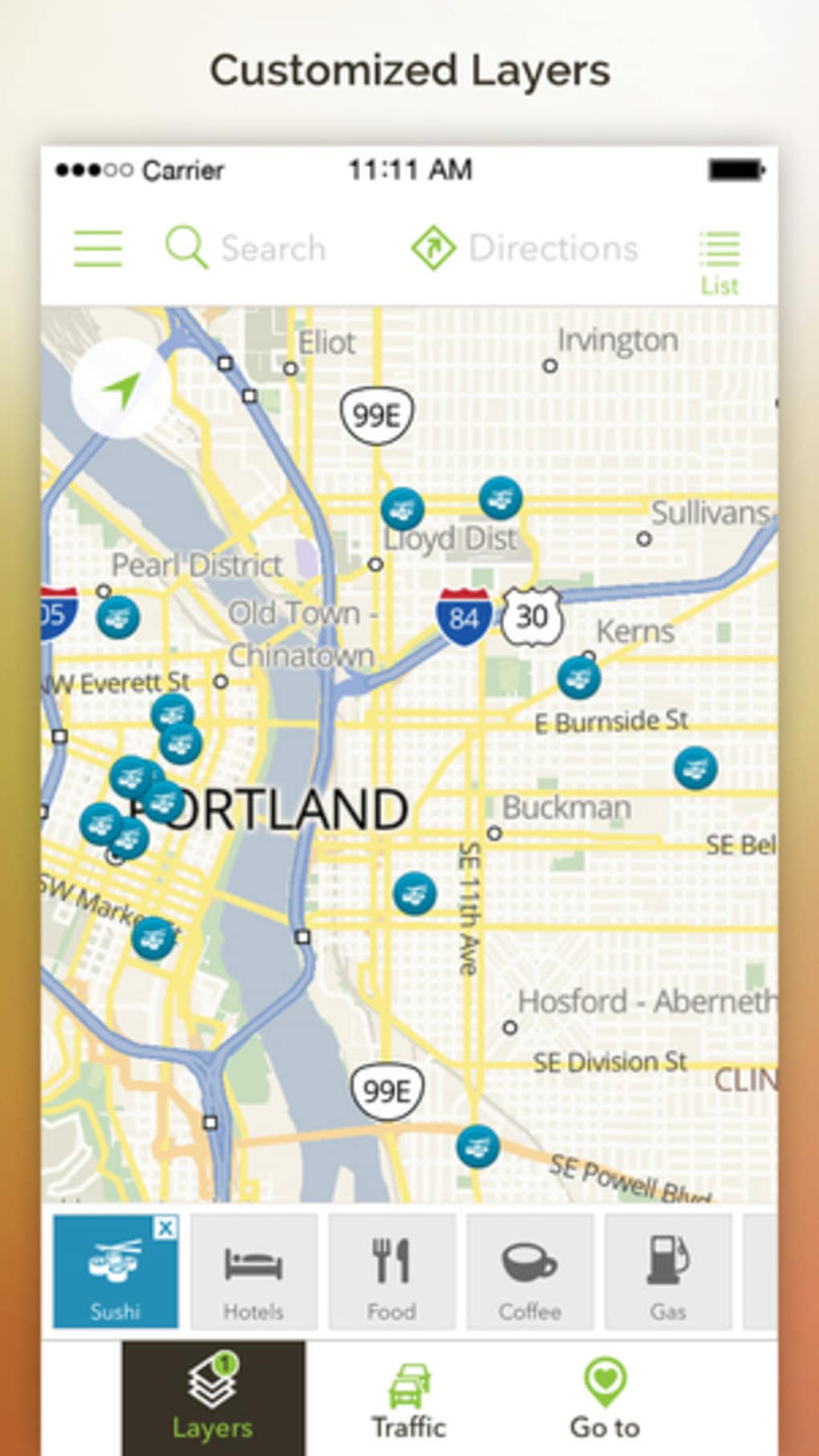
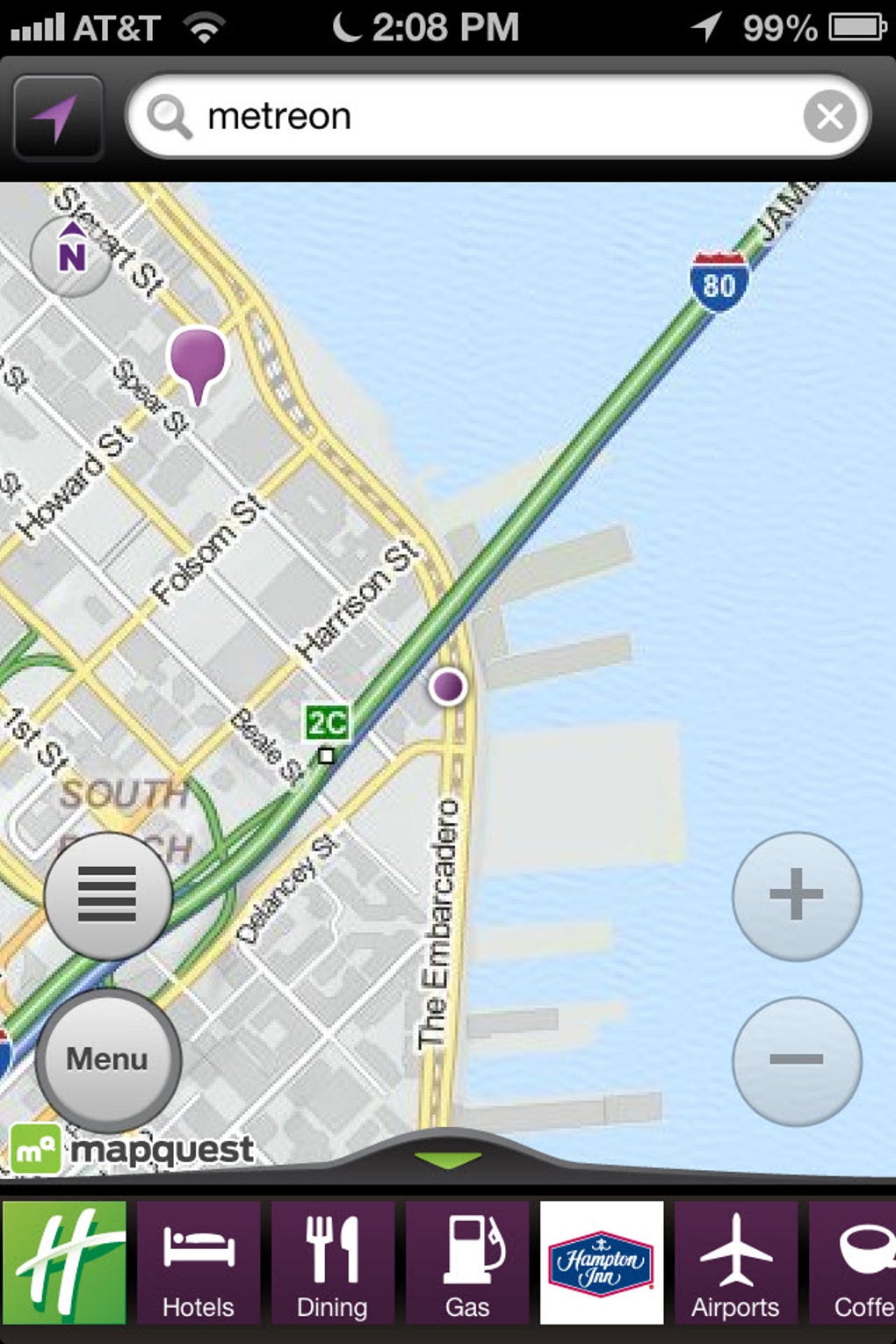
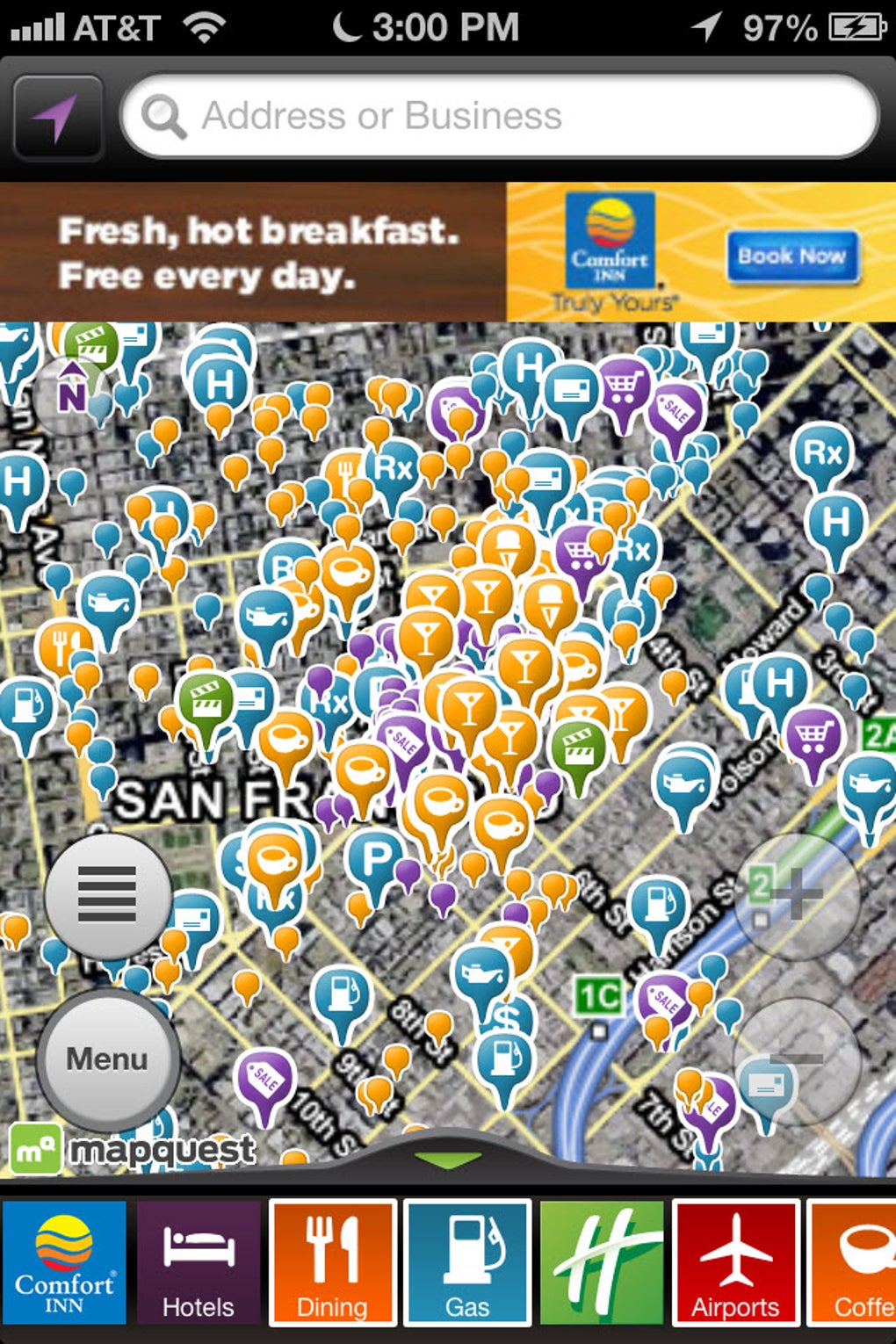
- Points of Interest (POI) Database – Users can search for and access information on hotels, gas stations, theaters, and other local services, including contact details and website links.
- Voice Navigation – Integrated voice guidance delivers spoken turn-by-turn directions, allowing hands-free operation while driving or walking.
- Simple Interface – The design emphasizes usability, with intuitive controls and minimal clutter, making it accessible to users of all experience levels.
These features support practical use cases such as finding the fastest route to a hotel during a business trip, locating the nearest gas station while on a road journey, or navigating a new city on foot. The app’s focus on core navigation tasks ensures a streamlined experience without unnecessary distractions. While it does not include public transit routing, its strengths lie in delivering reliable, straightforward directions for personal vehicle or pedestrian use. The interface allows users to quickly input destinations and receive immediate results, enhancing workflow efficiency for time-sensitive travel needs.
User Interface, Workflow & Performance
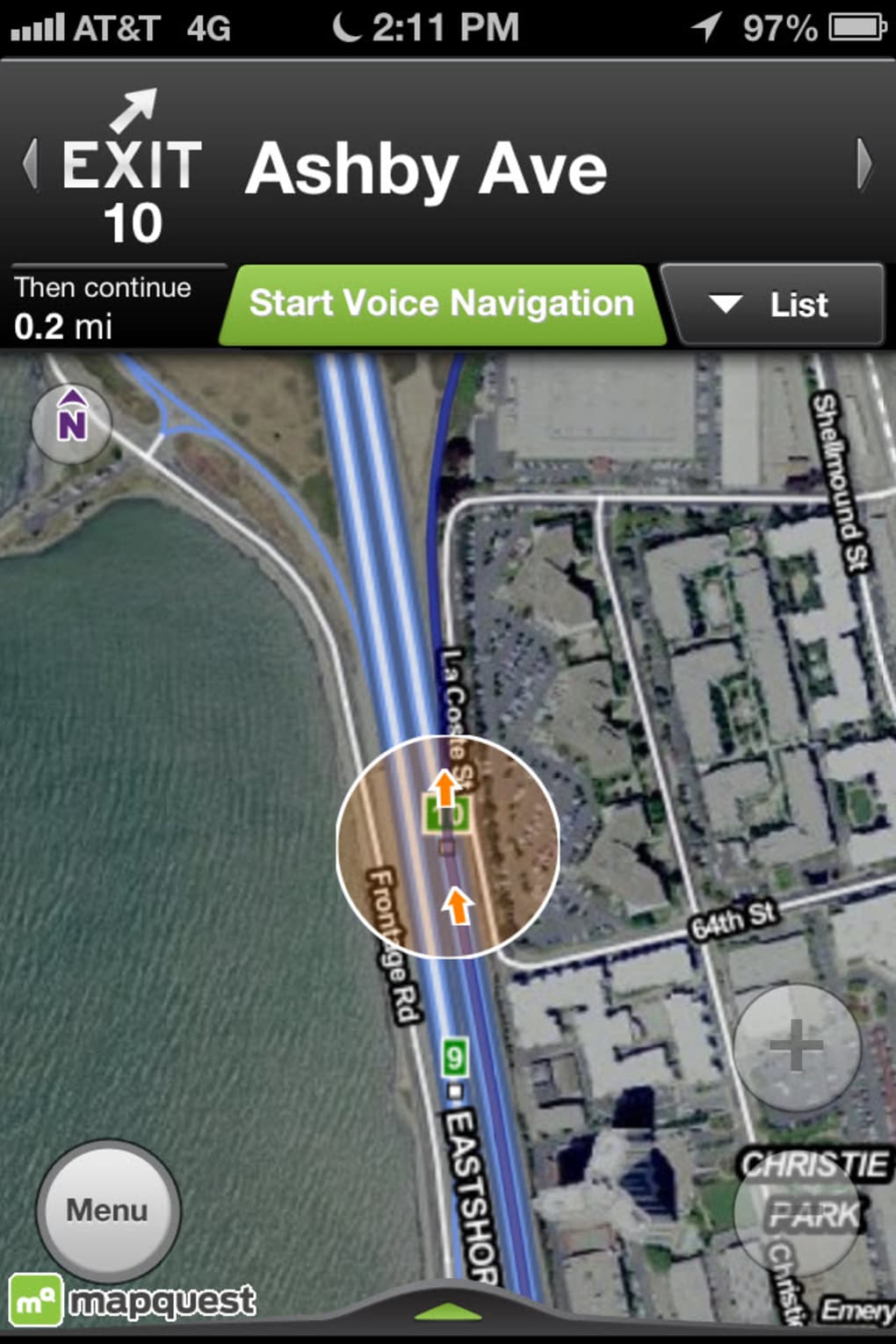
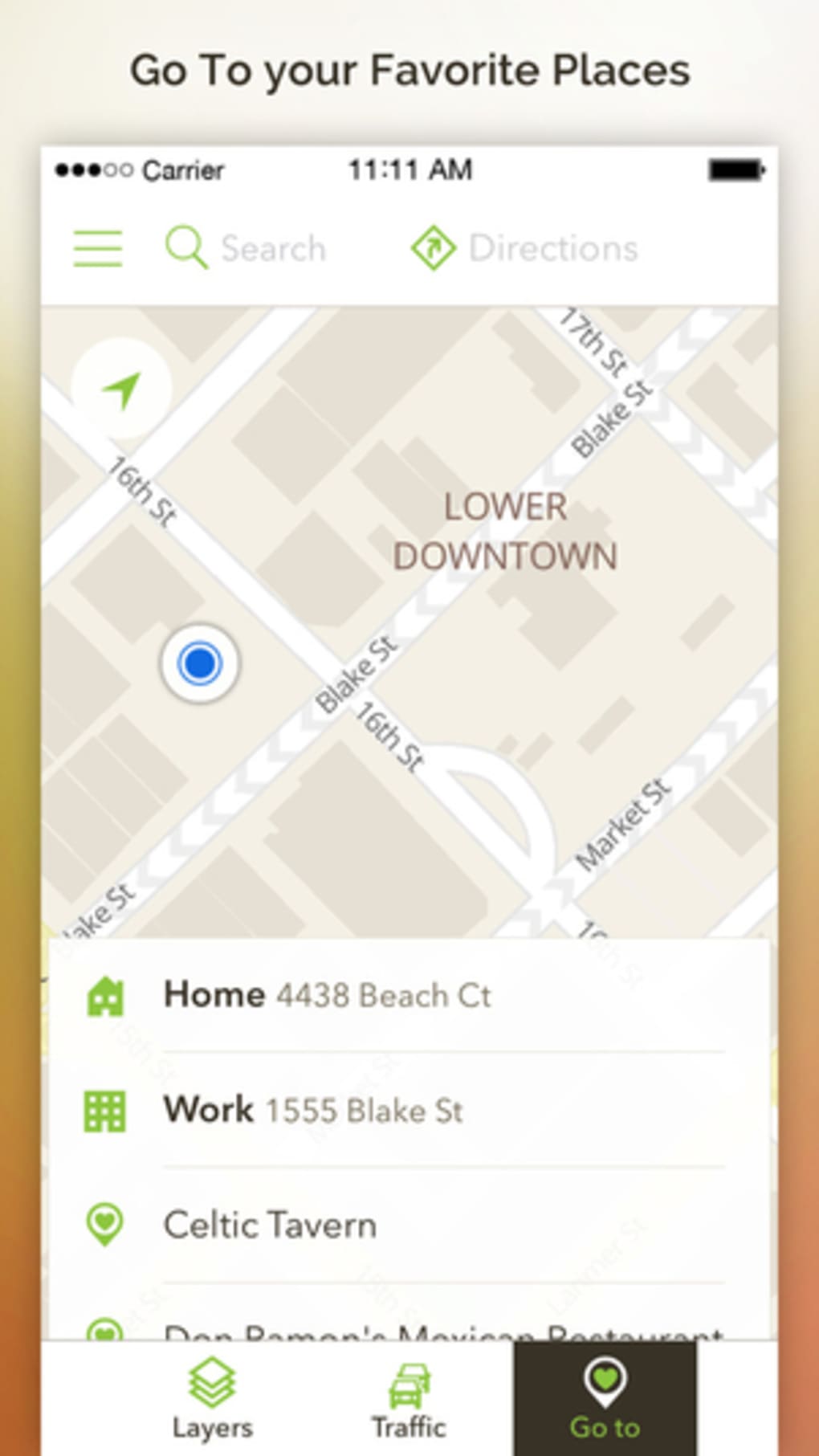
MapQuest GPS Navigation Maps features a clean, minimalist user interface optimized for iOS. Navigation is intuitive, with a central map view and clearly labeled buttons for starting directions, searching locations, and accessing POIs. The workflow begins with location detection, followed by destination input and route generation—completed in a few taps. The app responds promptly to user input, with minimal lag during route calculation and map rendering. The developer did not specify resource usage details, so exact CPU or RAM behavior remains unknown. However, based on general software behavior patterns, the app appears to maintain stable performance during typical navigation sessions. Voice navigation activates seamlessly and integrates well with the map display. The interface adapts to screen size and orientation, supporting both portrait and landscape modes. Stability during extended use was not reported, but the app’s design suggests consistent operation. Users can expect a smooth experience for standard navigation tasks, though performance may vary depending on device capabilities and network conditions.
Compatibility & System Requirements
MapQuest GPS Navigation Maps is designed exclusively for iOS devices, with a current version of 2.5.0. The installation size is 136.9 MB, which is typical for a feature-rich navigation app. The app is compatible with iPhone and iPad models that support the latest iOS updates. The developer did not specify exact system requirements, including minimum iOS version or hardware specifications. Compatibility information was partially provided, indicating support for iOS but not detailing required processor speed, RAM, or storage thresholds. Users should ensure their device is running a supported version of iOS to avoid installation issues. The app does not require a constant internet connection for basic navigation, but real-time features like live traffic and POI updates depend on connectivity. Offline functionality is limited to cached maps, though details on offline map availability were not included.
Pros and Cons
Pros
- Simple, intuitive interface ideal for quick navigation tasks
- Accurate driving and walking directions with voice guidance
- Comprehensive points of interest database with contact details
- Free to download and use with no in-app purchase barriers
- Optimized for iOS devices with responsive design
Cons
- Lacks public transit route planning capabilities
- Does not support advanced search features like Google Local
- No official information on offline map availability or functionality
- May prompt users to confirm driving mode even for long walks in urban areas
- Missing detailed system requirements and performance metrics
FAQ Section
Is MapQuest GPS Navigation Maps available for free?
Yes, the app is available at no cost on the App Store. There are no hidden fees or mandatory in-app purchases required to access core navigation features.
Does the app support public transit directions?
No, MapQuest GPS Navigation Maps currently only provides driving and walking directions. It does not include route planning for buses, trains, or other public transportation options.
Can I use MapQuest offline?
While the app may cache maps for offline use, the developer did not provide specific details about offline functionality or map download capabilities.
How often does the app update?
The app was last updated on May 15, 2024. The developer has not specified a regular update schedule, but users can expect improvements and bug fixes with future releases.
Is MapQuest safe to use on iOS devices?
As a native iOS application distributed through the official App Store, MapQuest is subject to Apple’s security review process. It does not require excessive permissions and operates within standard app sandboxing.
Final Thoughts + CTA
MapQuest GPS Navigation Maps delivers a focused, reliable experience for users who need straightforward driving and walking directions without the complexity of full-featured mapping platforms. Its clean interface, voice-guided navigation, and accessible points of interest make it a solid choice for road trips and urban walking routes. While it lacks public transit support and advanced search capabilities, its strengths lie in simplicity and ease of use. The app is particularly beneficial for iOS users who value a no-frills navigation tool. For those who primarily drive or walk and do not rely on public transit, MapQuest offers a dependable, free alternative. Download MapQuest GPS Navigation Maps now.
Guides & Tutorials for MapQuest GPS Navigation Maps
How to install MapQuest GPS Navigation Maps
- Click the Preview / Download button above.
- Once redirected, accept the terms and click Install.
- Wait for the MapQuest GPS Navigation Maps download to finish on your device.
How to use MapQuest GPS Navigation Maps
This software is primarily used for its core features described above. Open the app after installation to explore its capabilities.
User Reviews for MapQuest GPS Navigation Maps 0
No reviews found





